
In case you have any trouble finishing the minting process, your WordPress database may terminate without the item data loaded properly.
In those cases, you can upload your NFT items manually.
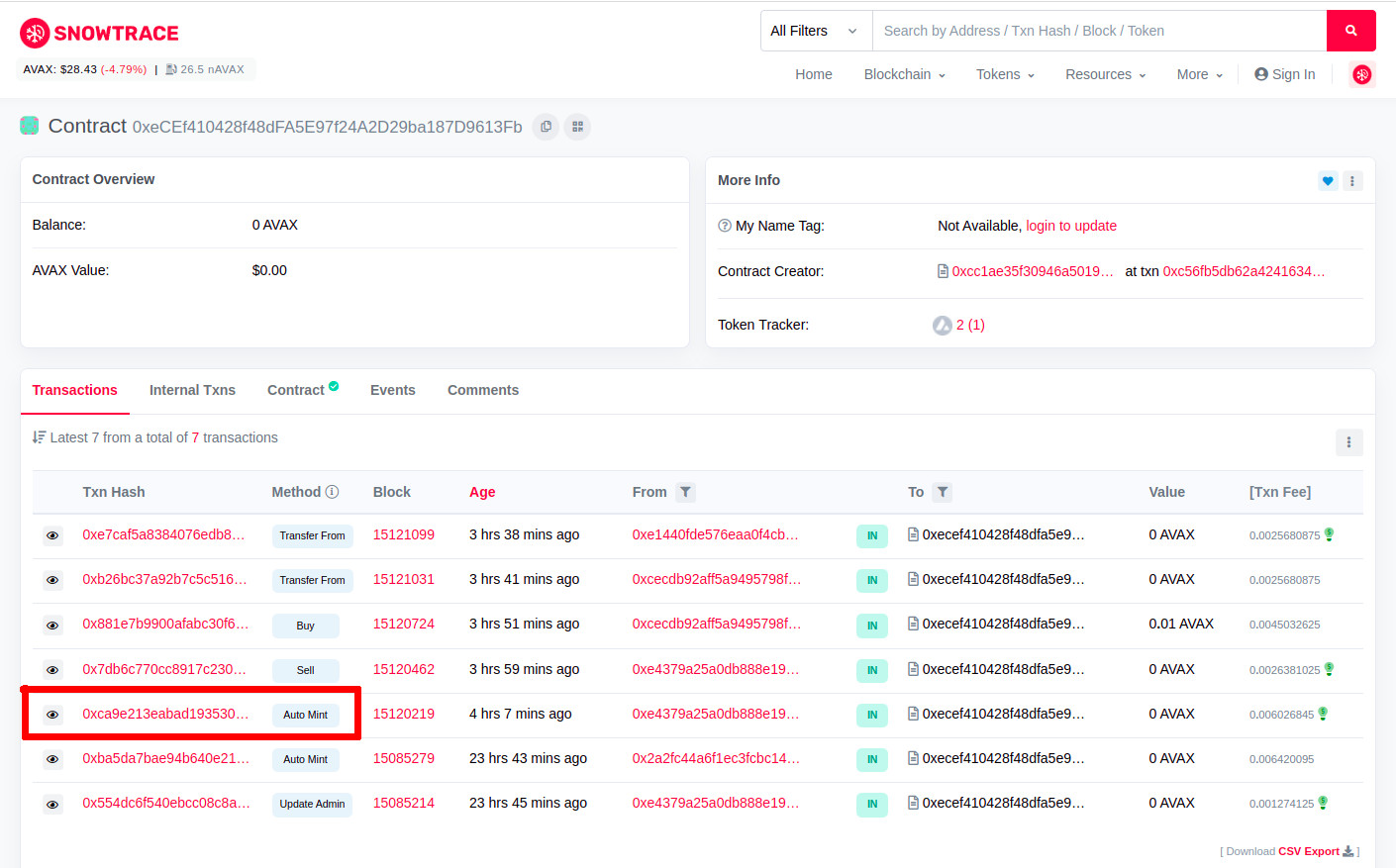
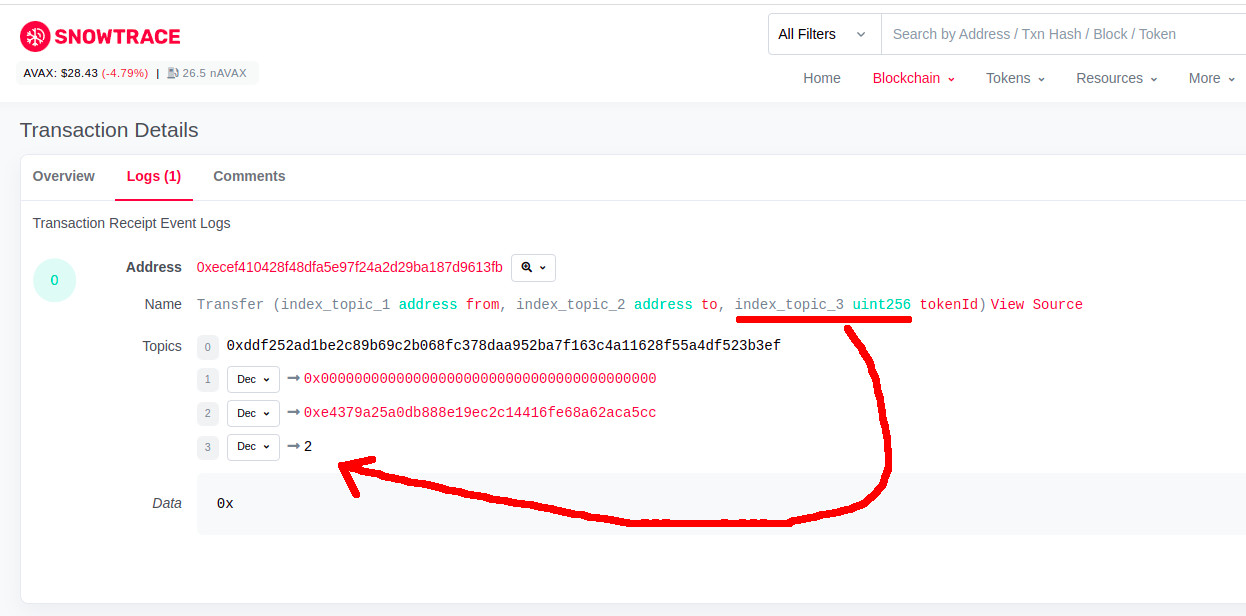
Find the ID of the NFT item you minted
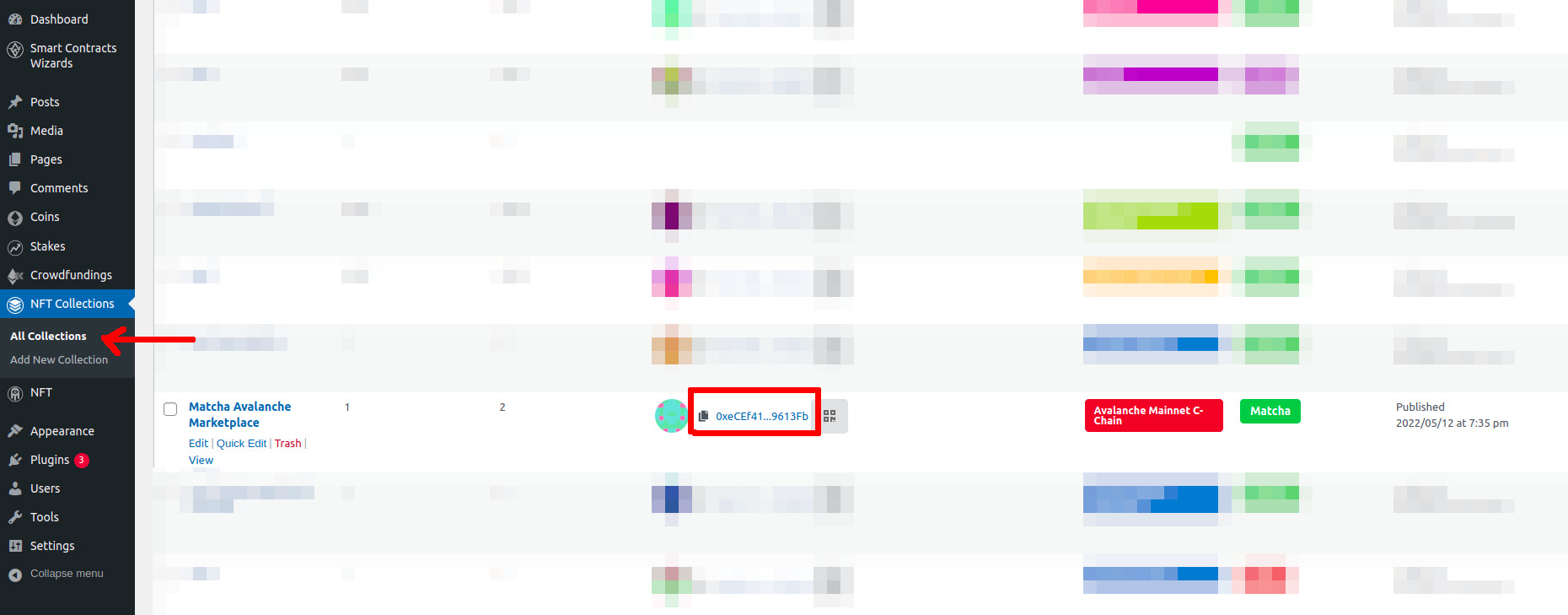
To load your item, you must first locate the NFT collection smart contract address. Follow the next steps.
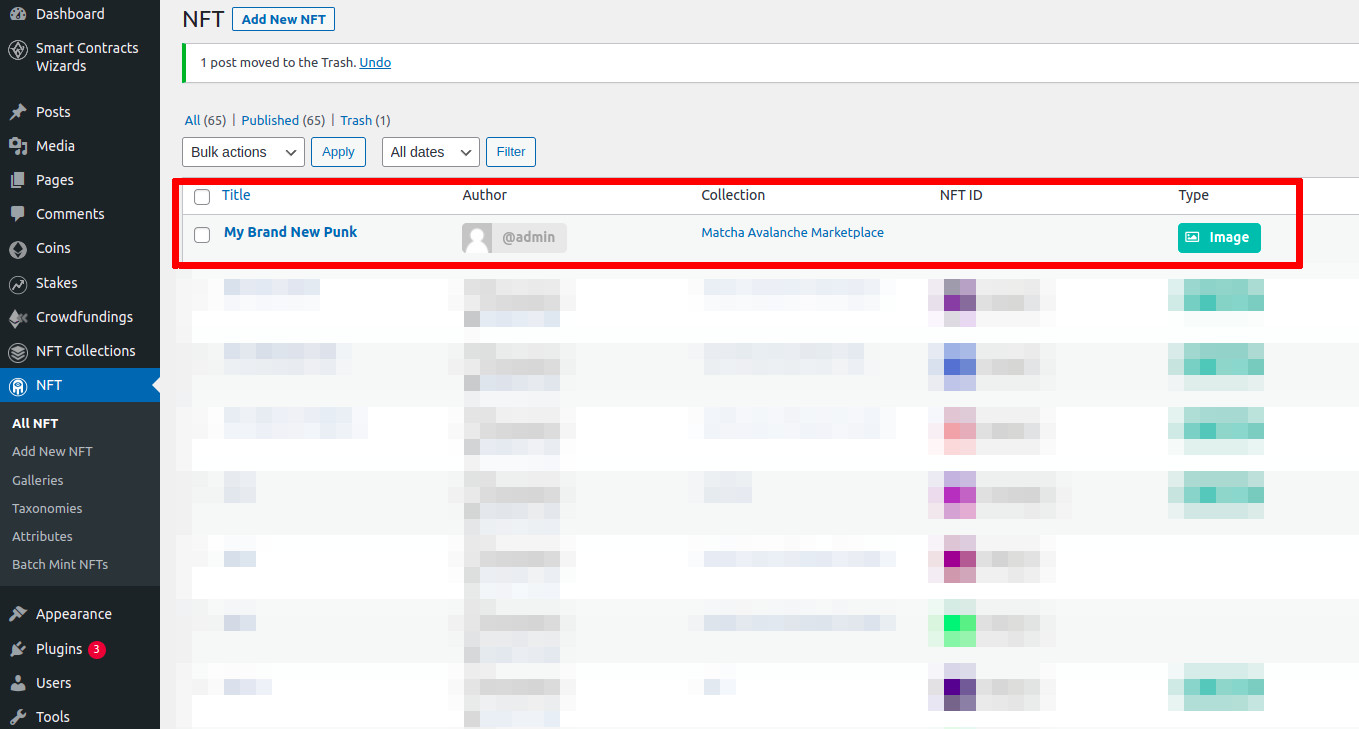
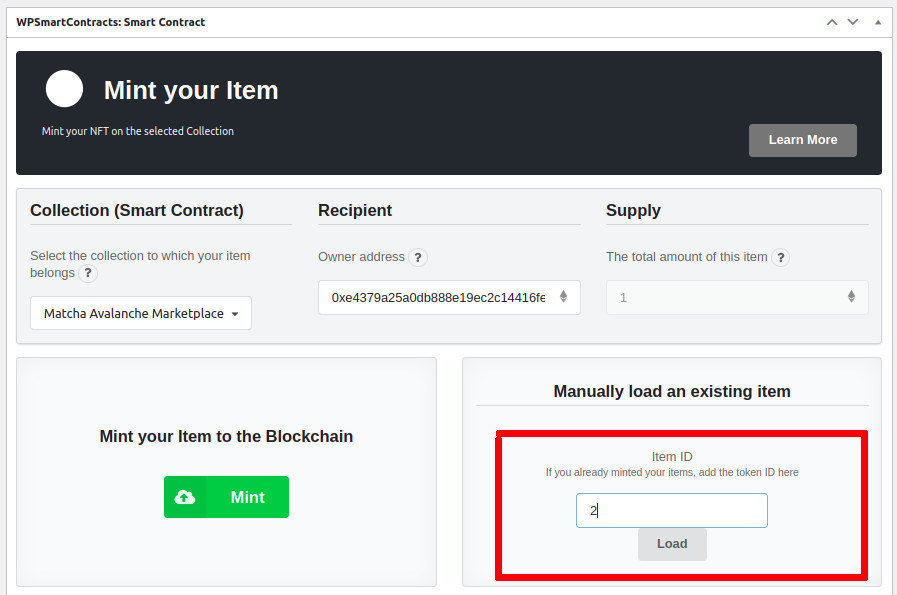
After this your item will be loaded to your collection connected to the smart contract.
Additional notes
Remember connect to the same network of the collection
If you are using an ERC-1155 Collection you will need to write the original quantity of items as well
Load smart contracts manually Decentralization