
Option 1 (recommended)
Install from your WP Dashboard
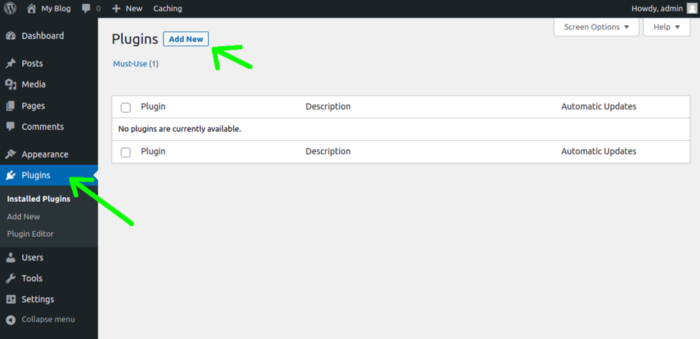
Go to your WP Admin Dashboard, click on "Plugins" - "Add New"
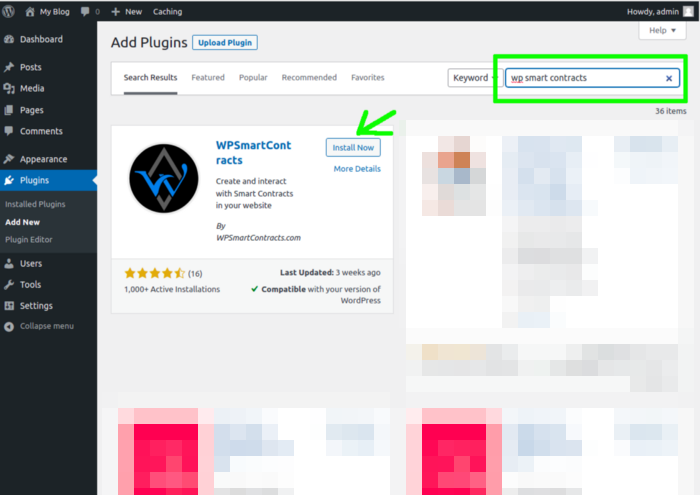
Click "Install Now" on the WPSmartContracts plugin
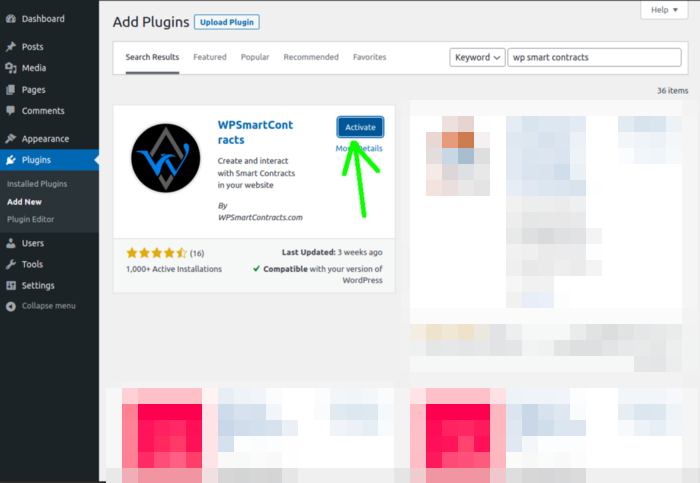
When the download completes click on "Activate"
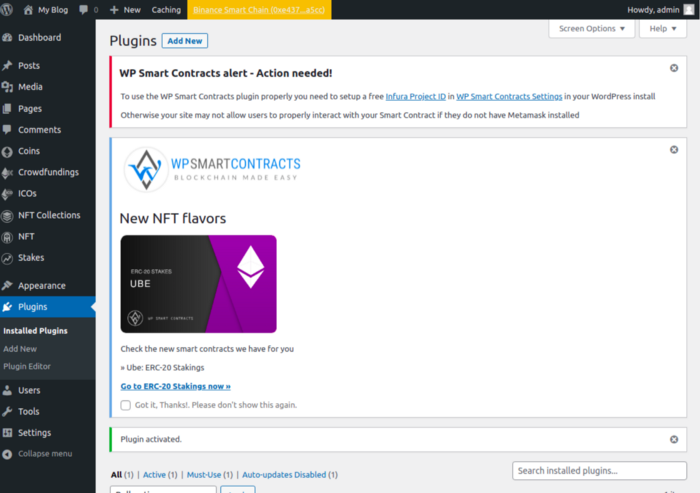
Congratulations you have finished installing WPSmartContracts plugin
Option 2
Download and Install

Go to WP Smart Contracts plugin official website
/downloadClick on the download button to get the latest stable version of the WordPress plugin.
When the download completes go to your WordPress website login into the admin panel and click on plugins
Then click “Add new” and “Upload plug-in” buttons
Choose the downloaded zip file from your hard disk and click install now
When the upload is complete click on “Activate” below the WP Smart Contracts plugin to finish setup
System Requirements Settings