
Blockscout is a very popular block explorer used by many projects.
Follow this step-by-step guide to verify your Smart Contracts
Edit your Smart Contract
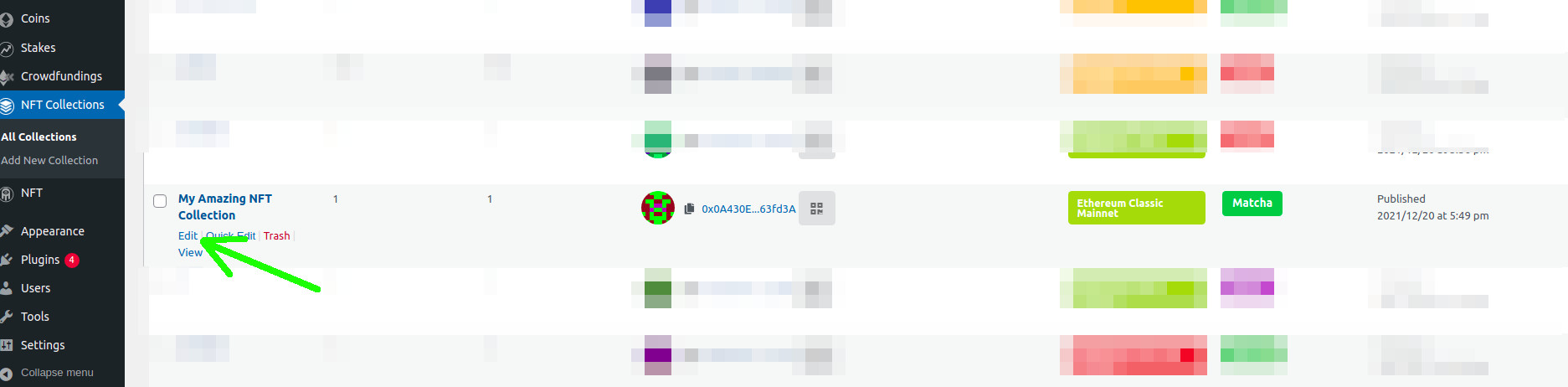
In your WP Admin Dashboard, click on edit over the contract you want to verify.
Go to your Smart Contract in Blockscout
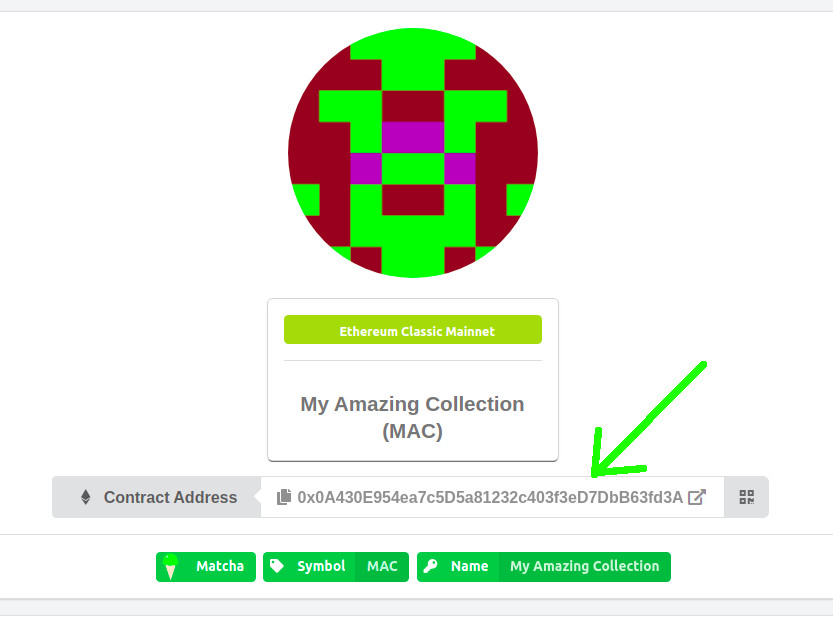
Click on the address of the deployed contract
Verify the code
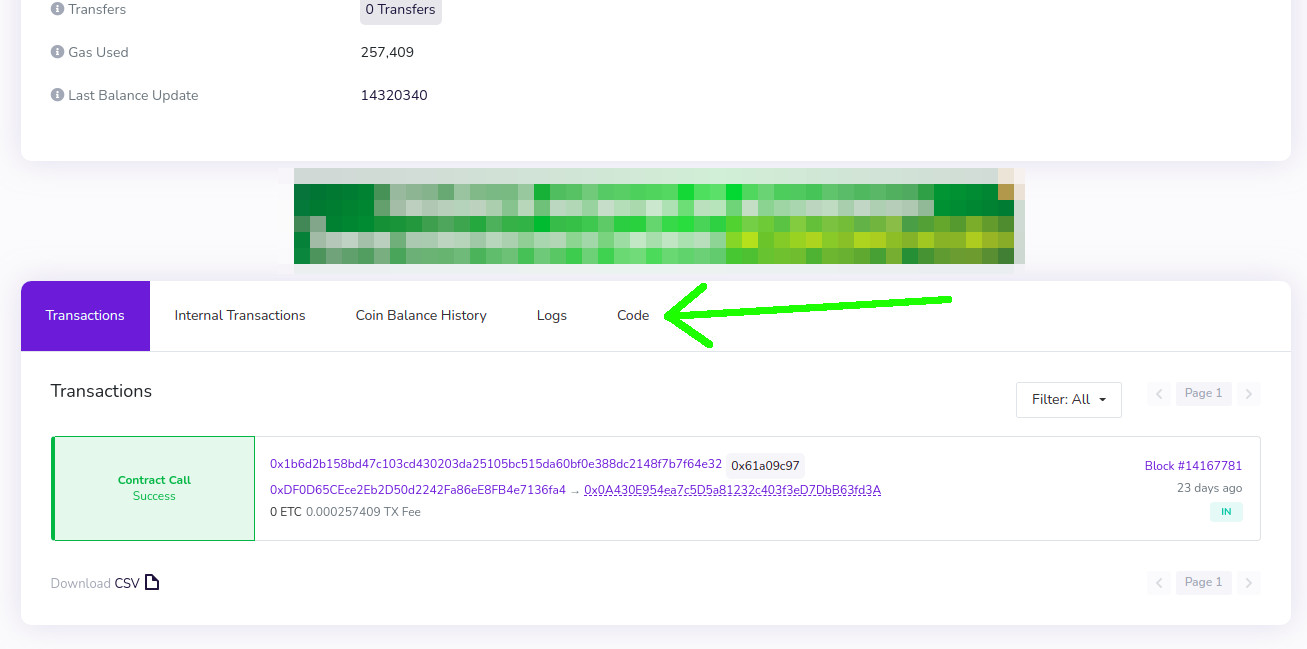
Go to the "Code" section in Blockscout
Verify
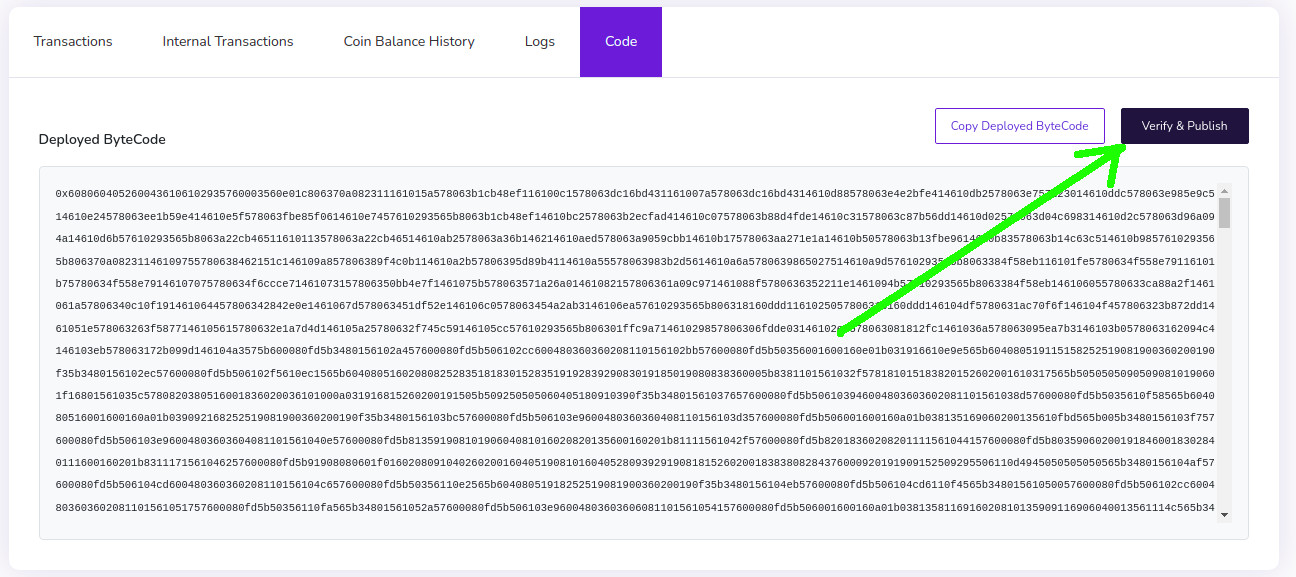
Click on "Verify & Publish"
Start the verification
Click on "Via flattener source code"
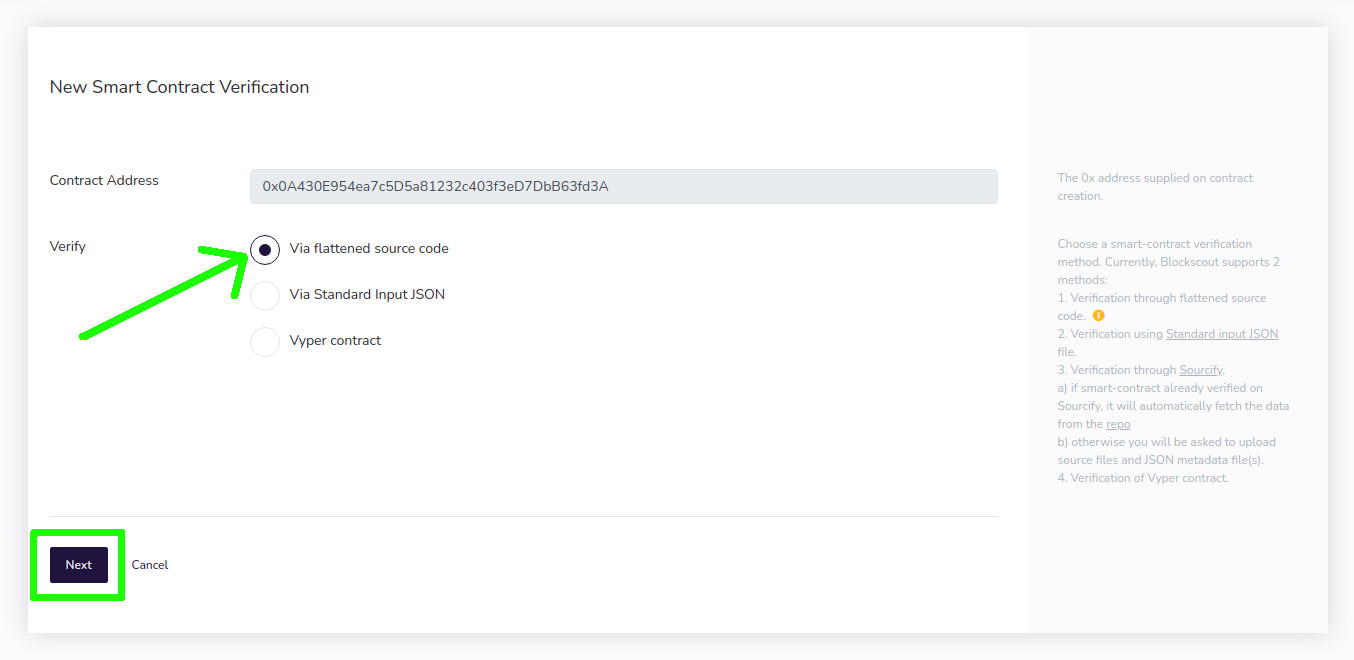
Get your smart contract data
For the next step you will need to open your WP Admin and go back to the smart contract section and locate the Contract Name, Solidity Version and contrcat source code
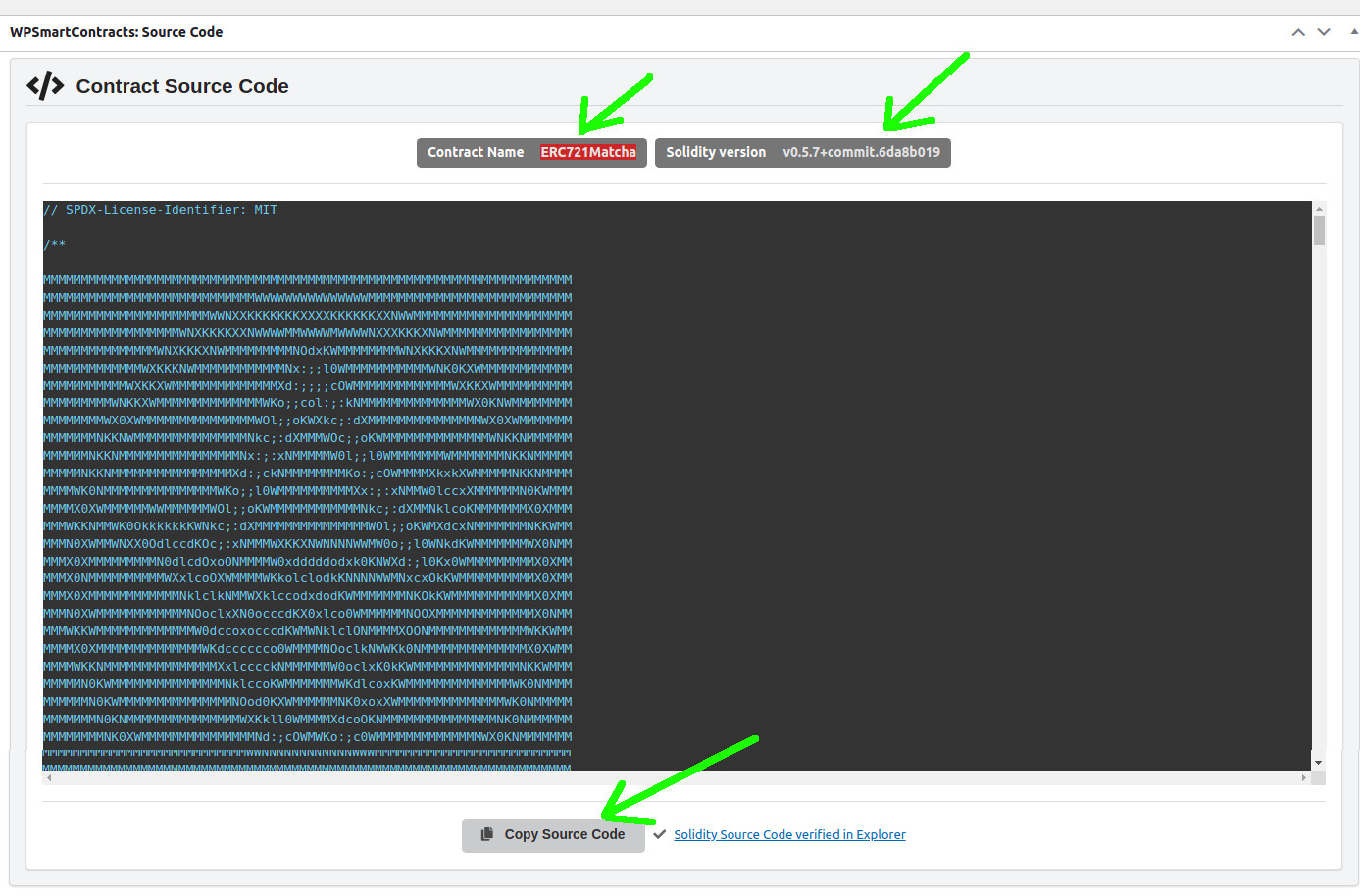
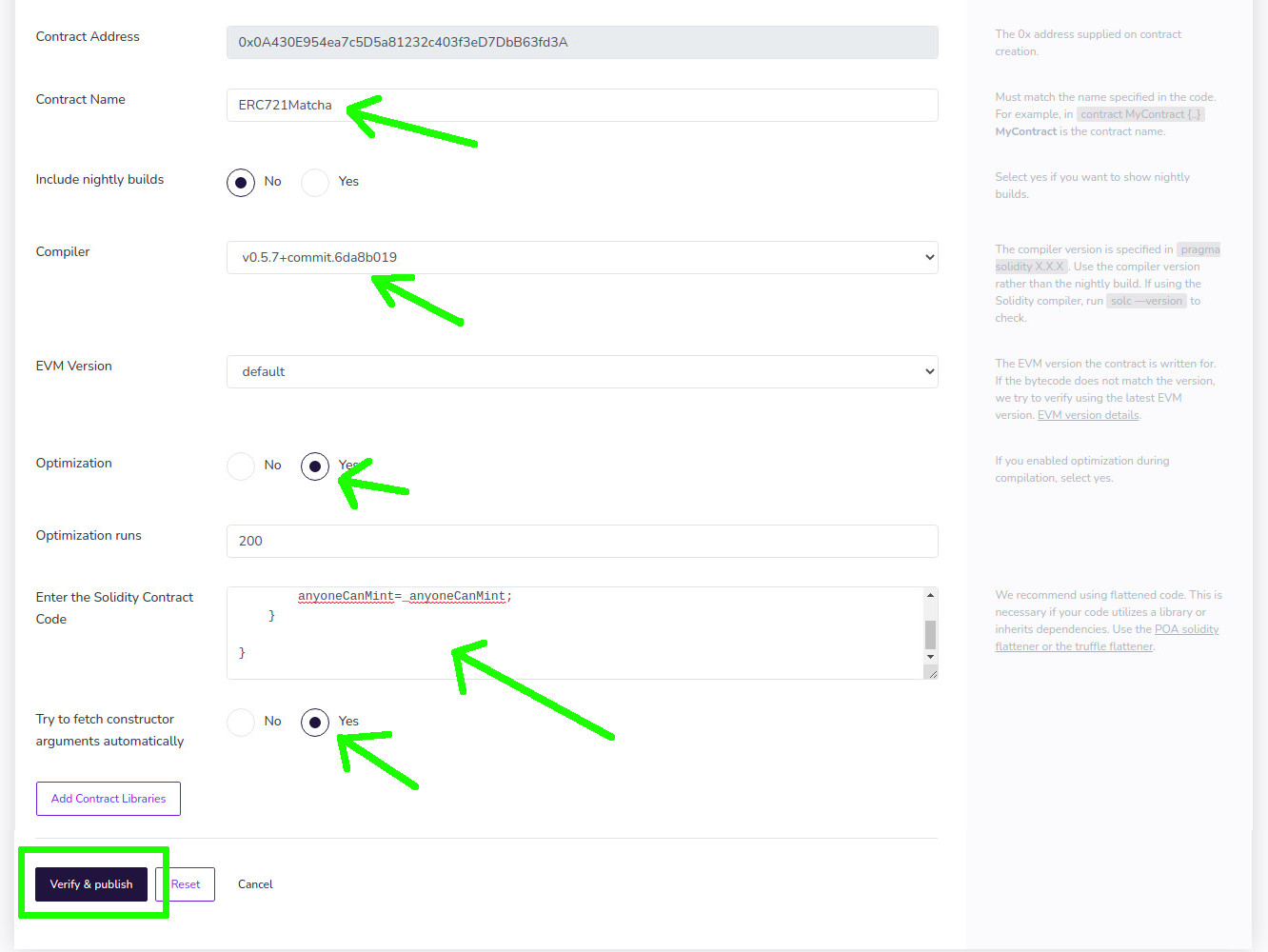
Fill your contract data
With the information you gather from the previous step, fill all the fields::
- Contract Name
- Select the right compiler version, it may vary from contract to contract
- Set optimization to "Yes"
- Paste the Smart Contract code you copy on the previous step into the "Enter the Solidity Contract Code" section
- Set the option to "Try to fetch constructor arguments" to "Yes"
- Click on "Verify & Publish"
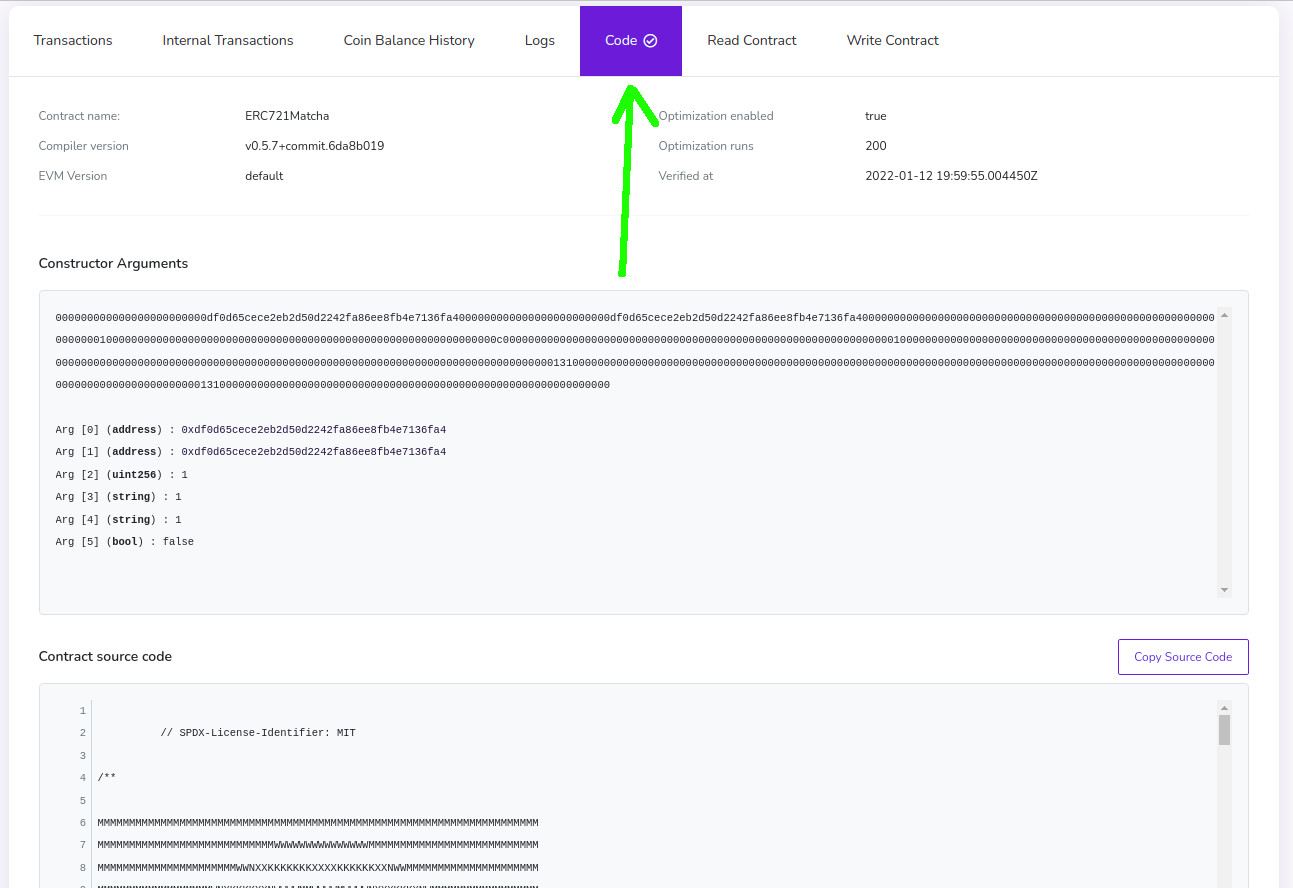
That's it
After a few seconds your smart contract will show as verified
 Networks