
In case you have any trouble finishing the deployment, your WordPress database may terminate without the smart contract data loaded properly.
In those cases, you can upload your smart contracts manually.
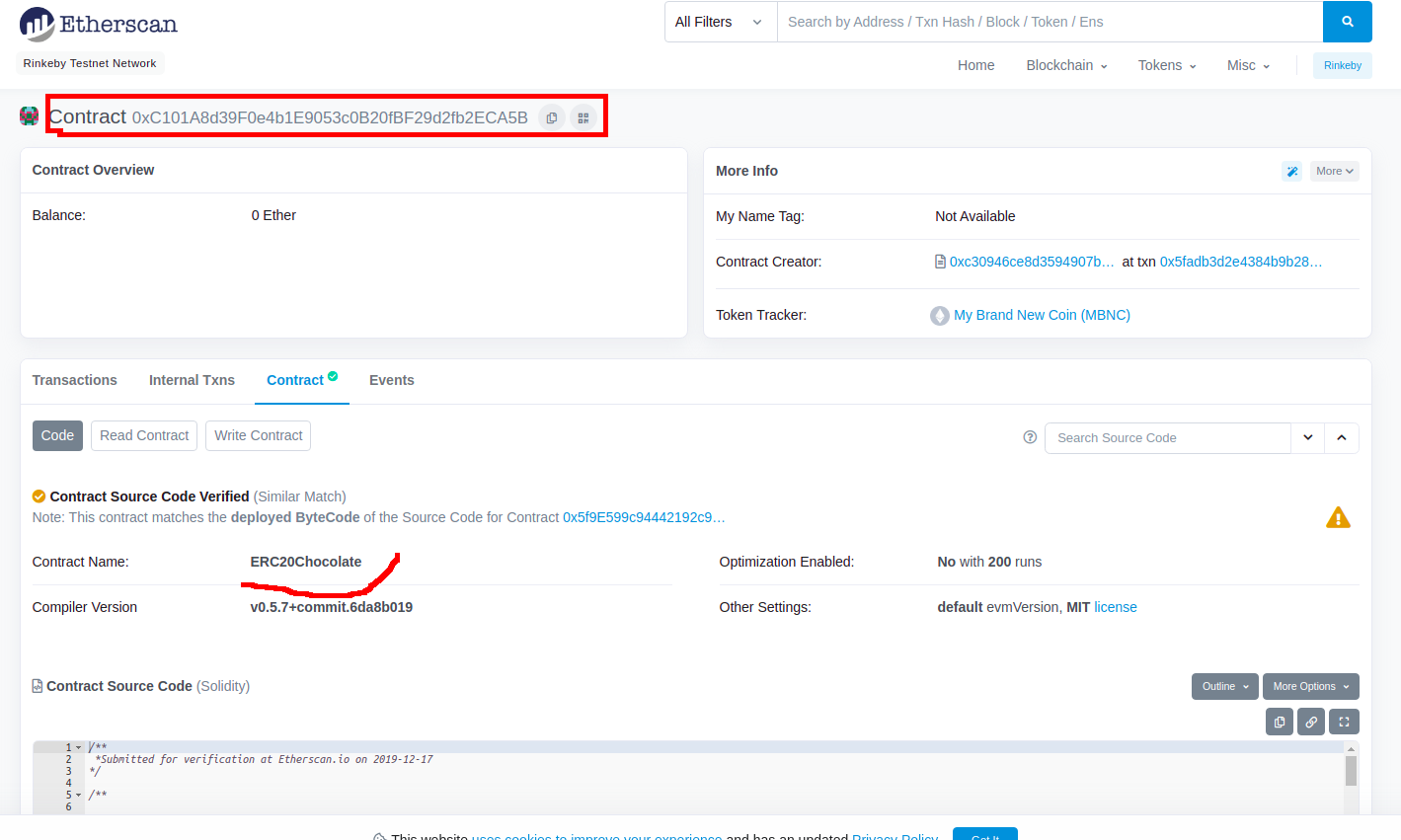
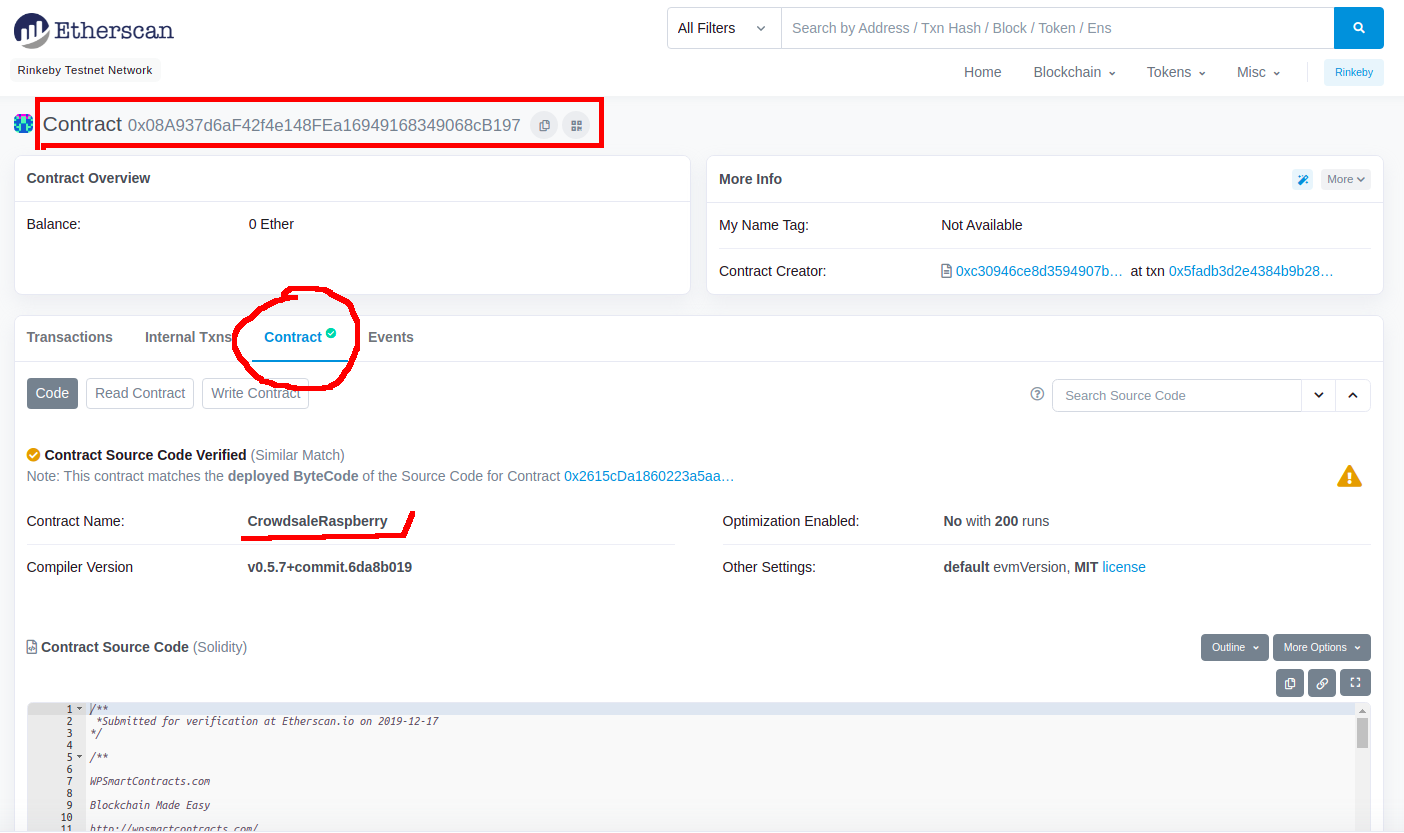
Find the addresses of your smart contracts
To upload your contracts, you must first locate the smart contract address. In this example, we will show you how to load an ICO, but the same process applies to other contracts as well
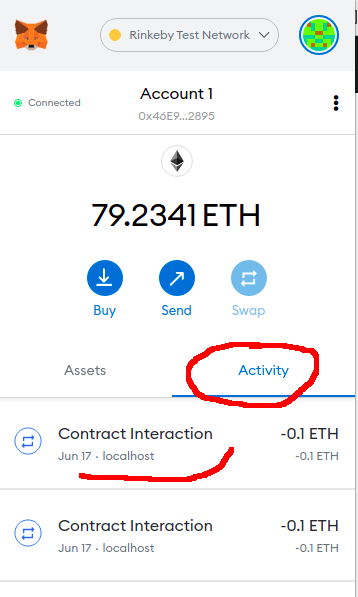
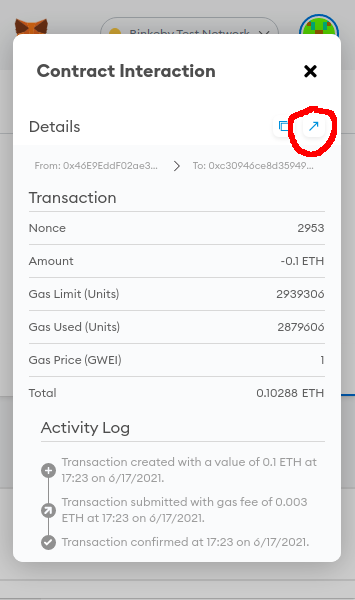
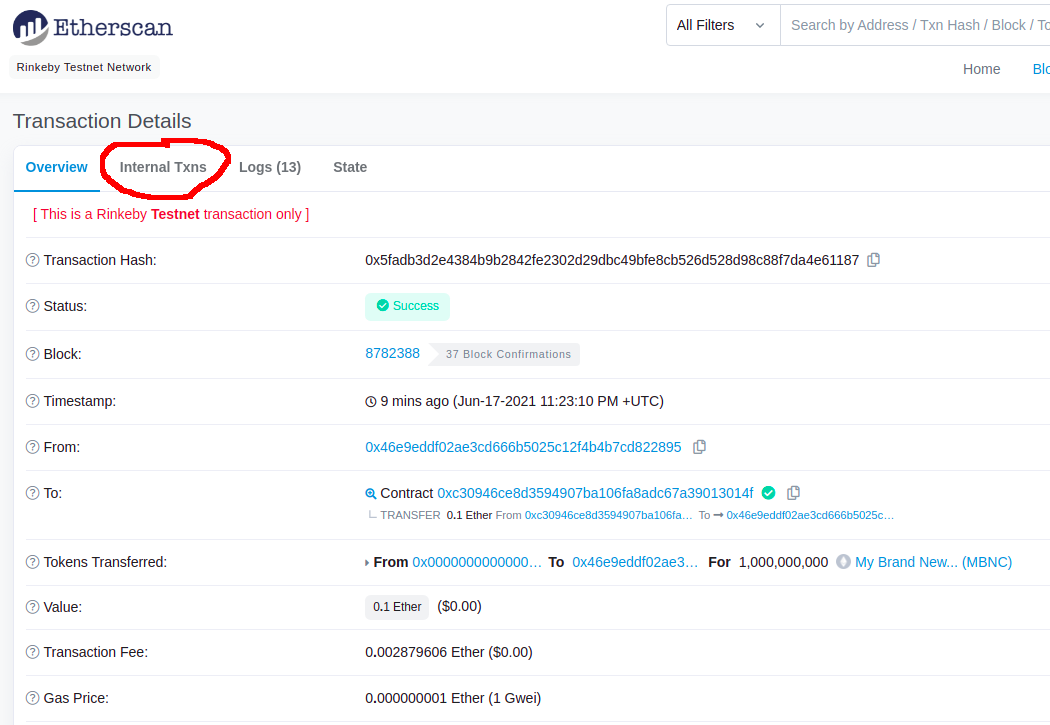
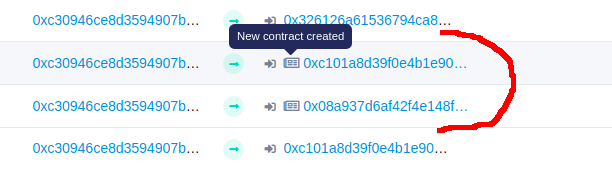
In the case of the ICOs there are two Smart Contracts created: one for the ICO and other for the token, you need both contract addresses.
For the rest of the contracts: Tokens, Crowdfundings and NFT Marketplaces, there is only one Smart Contract address.
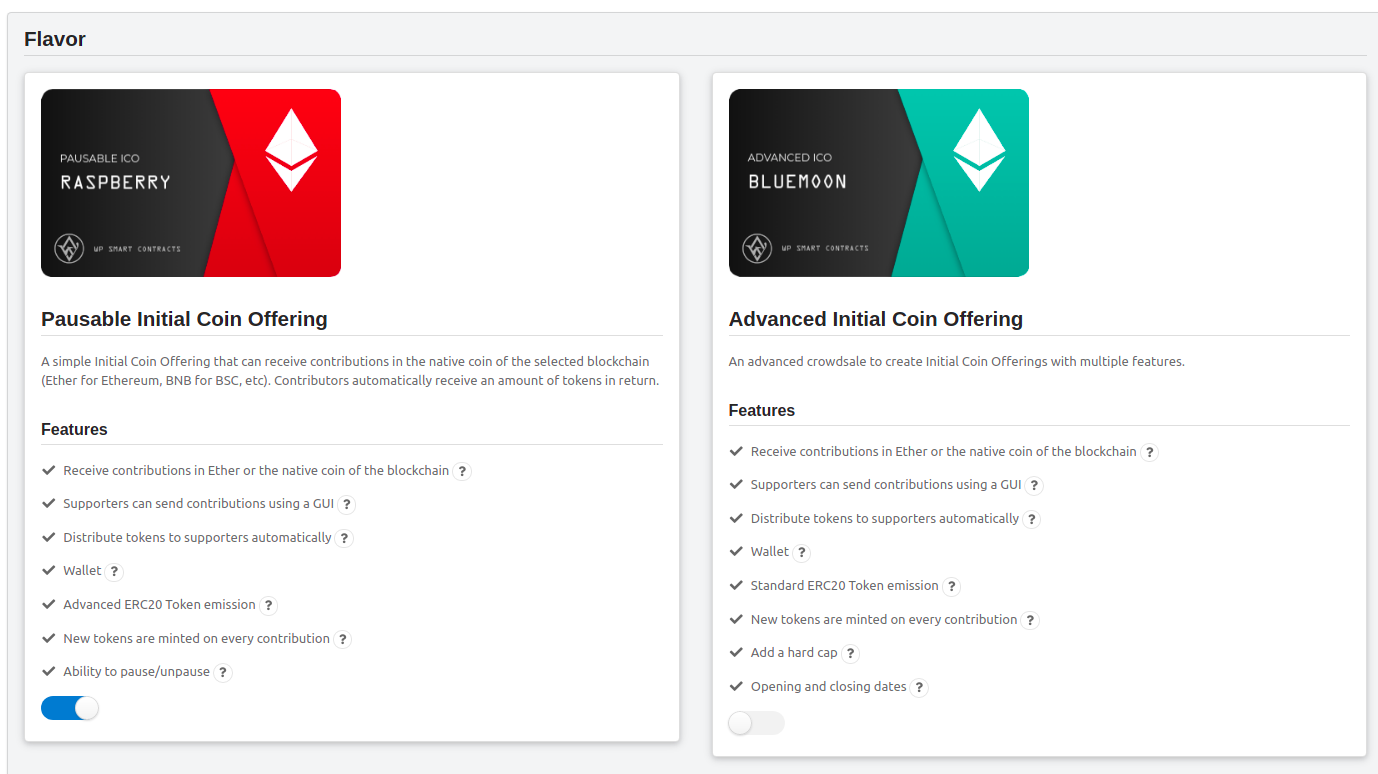
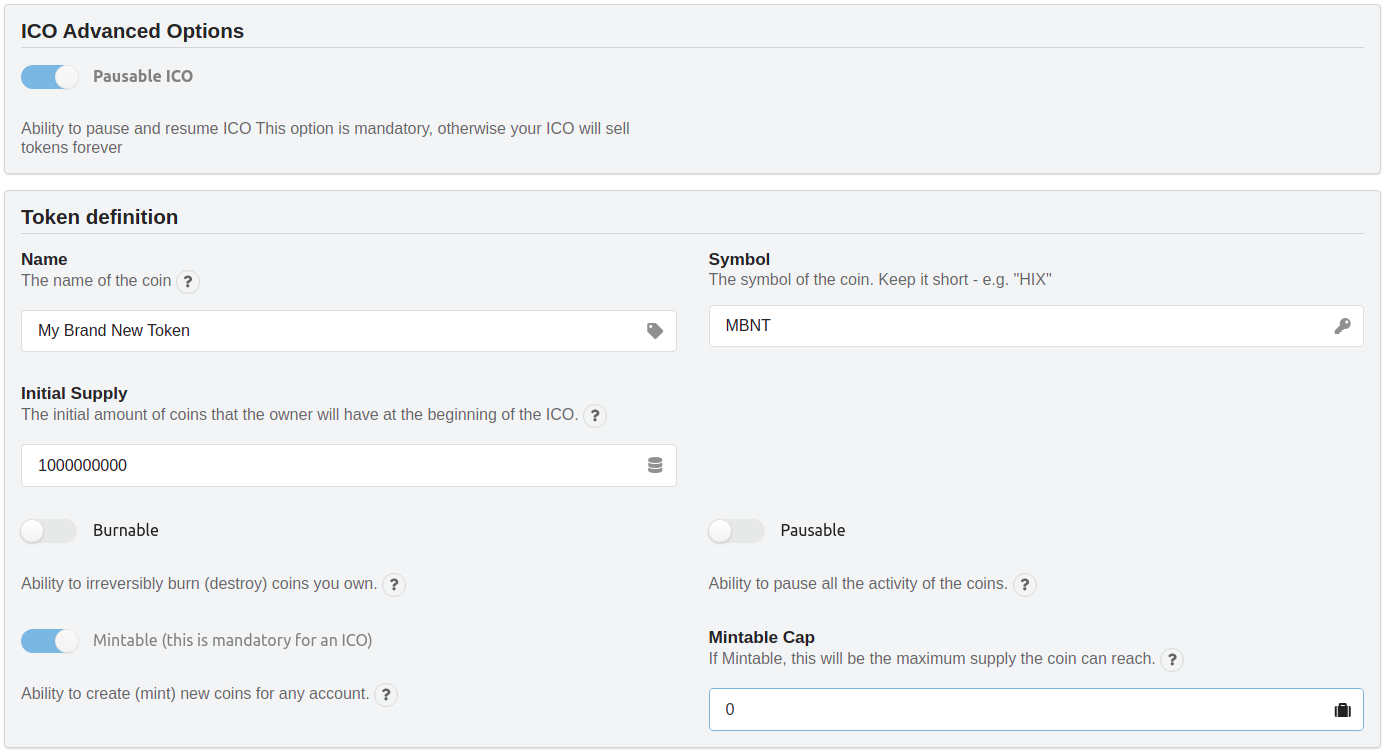
Now go to your WordPress install and create an ICO with the exact same attributes of the original ICO:
Metamask Network
Please recall the you need to be connected with the original account you used in Metamask and in the same network you used for deployment
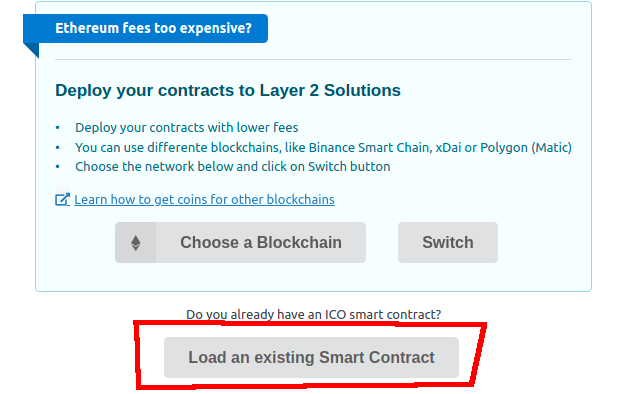
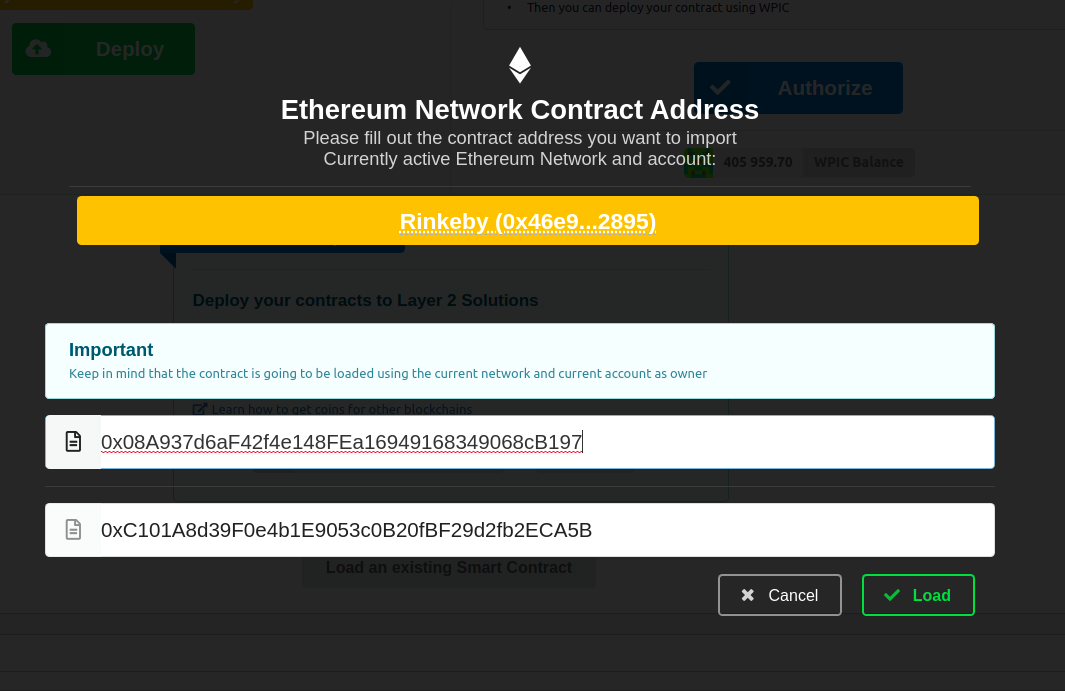
This will load the contracts into your database and you will be able to interact with the smart contracts as usual
Customize Themes Load NFT items manually