
Remember to enable galleries in your collection
To use the galleries feature it has to be enabled in your collection.
Galleries are not enabled by default, to learn how to enable them, visit the Manage Galleries section.
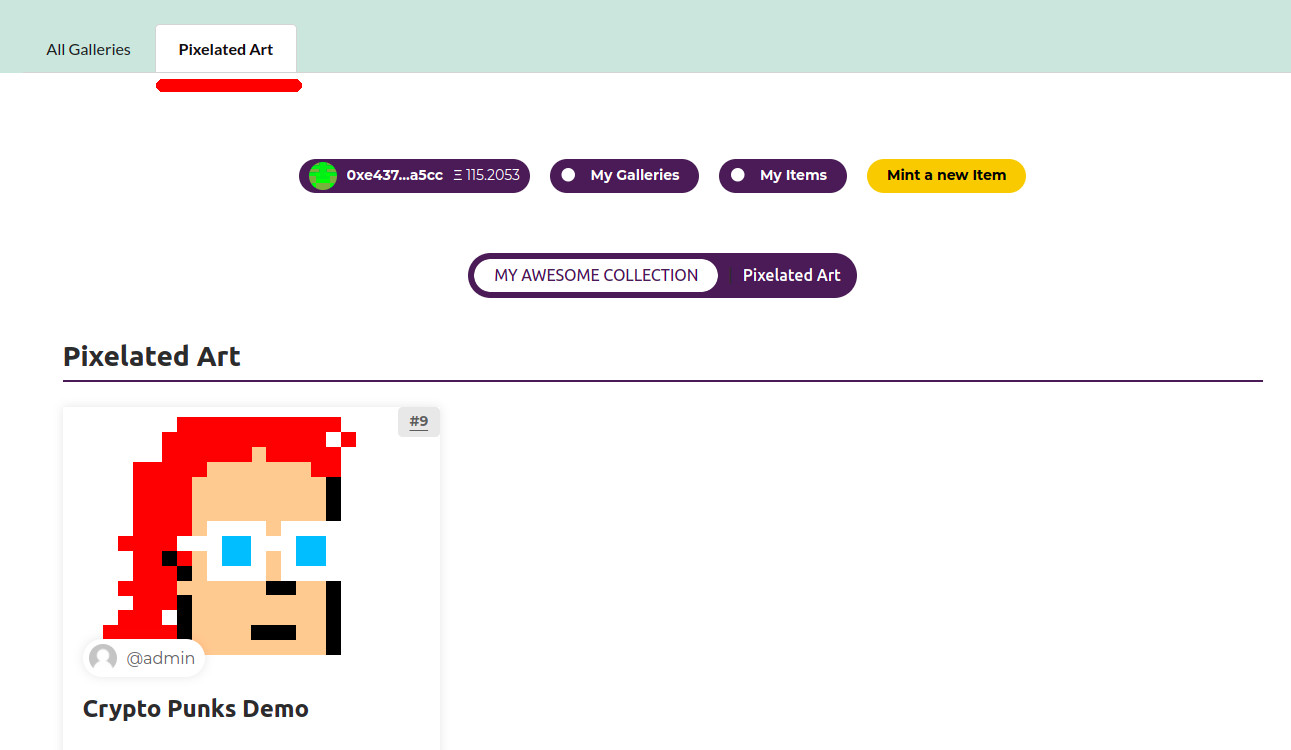
When minting an item you can assign the new item to a Gallery, if the item was already minted, you can always edit the item and assign it to one or multiple galleries.
My Galleries
The first step is to create your own Gallery or Galleries, for that do the following:
Go to the collection page
Login into WordPress
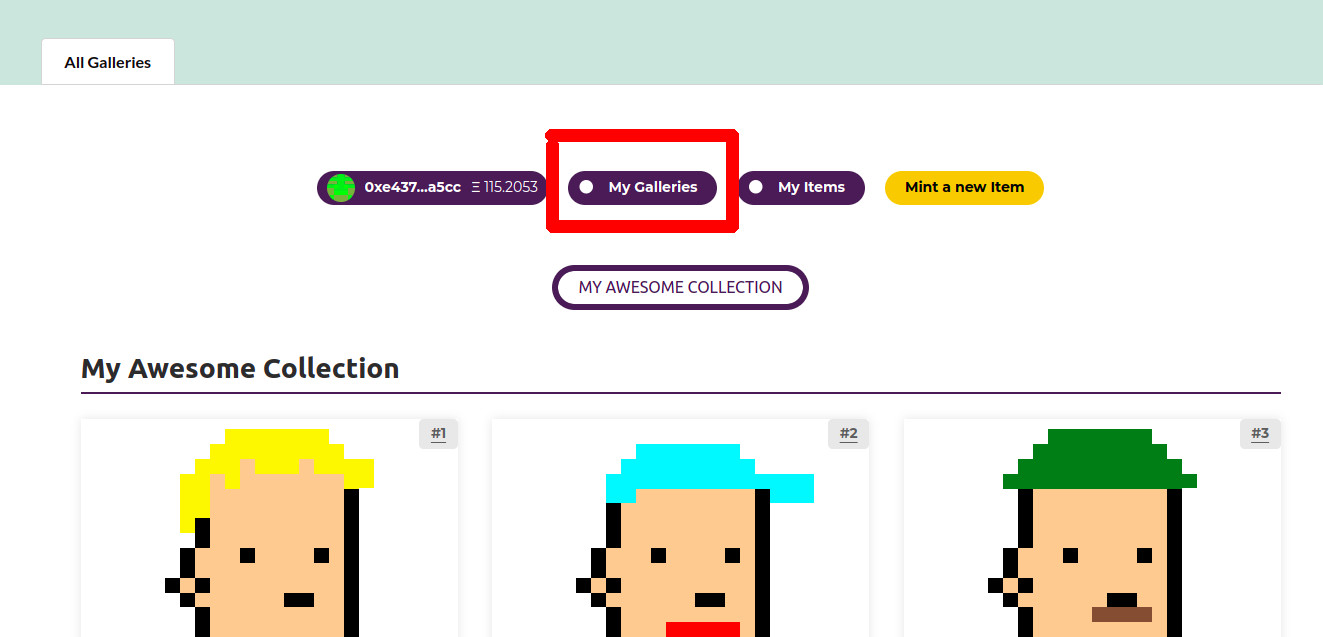
Click on «My Galleries»
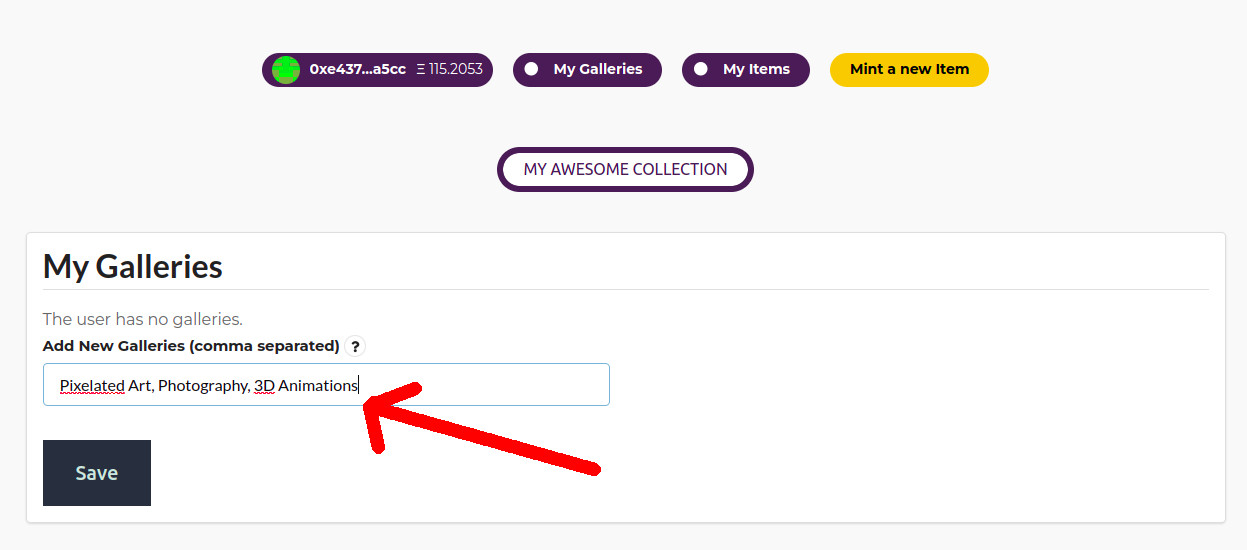
Add the name of the galleries you want to add and click on «Save»
To add multiple galleries use a comma separated list
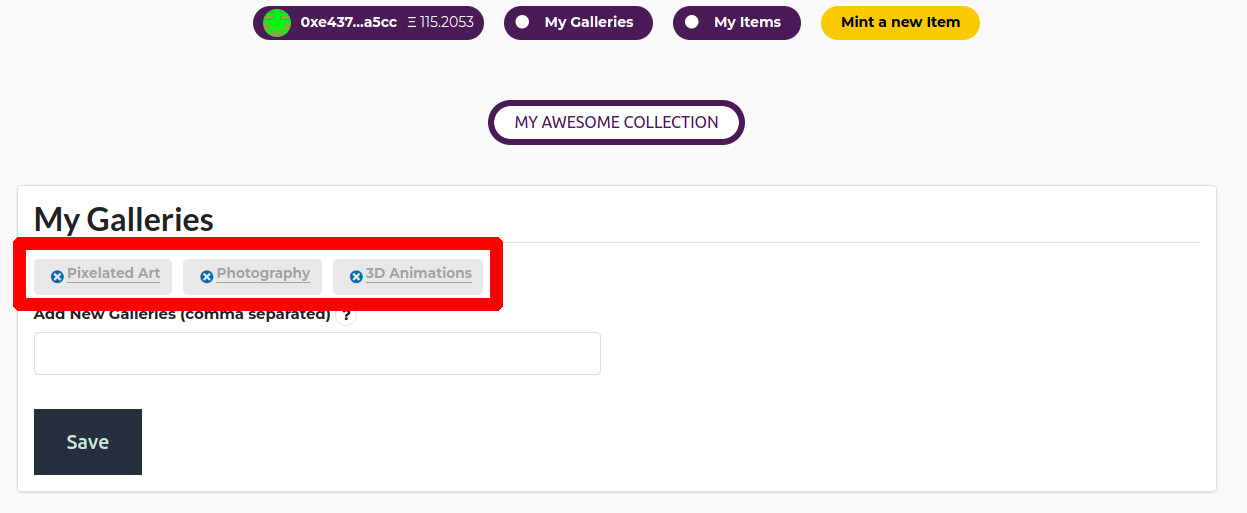
The galleries are now created and associated to your logged-in user
Now you can assign one or more galleries to an item when minting
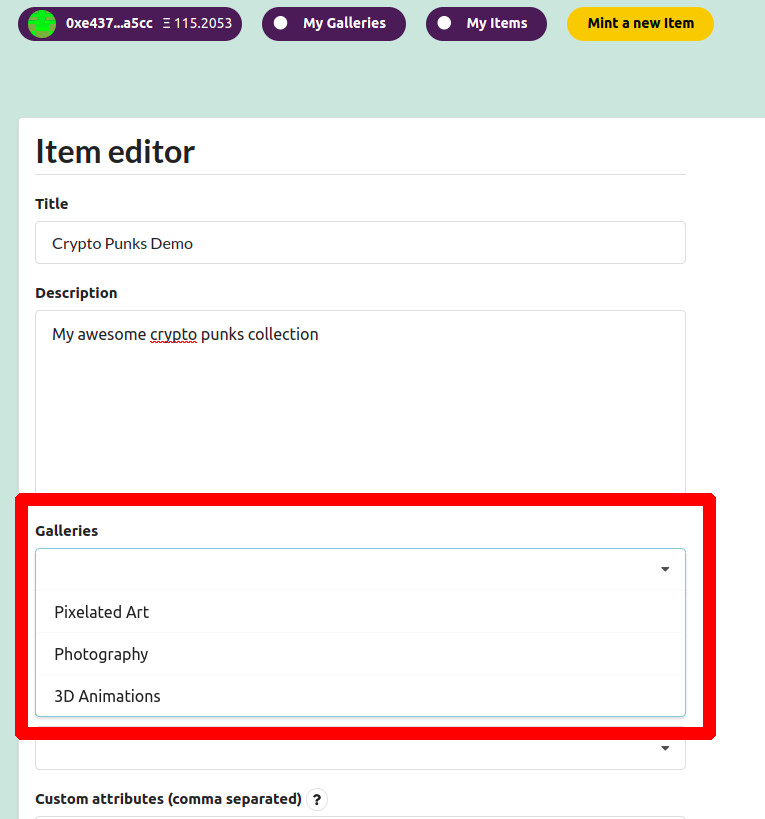
When you mint one or more items, they will be grouped into the selected galleries
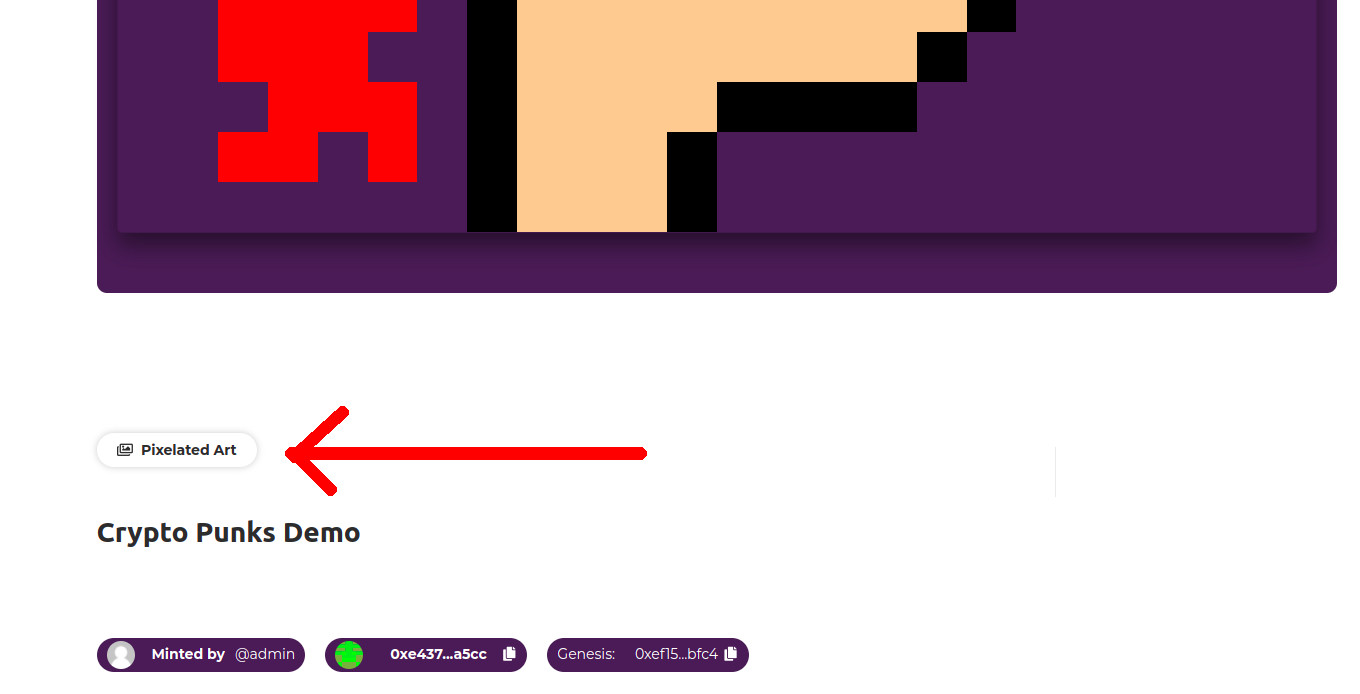
The gallery will be also shown in the NFT Item detail page
 Create Galleries Create Galleries in the Backend